
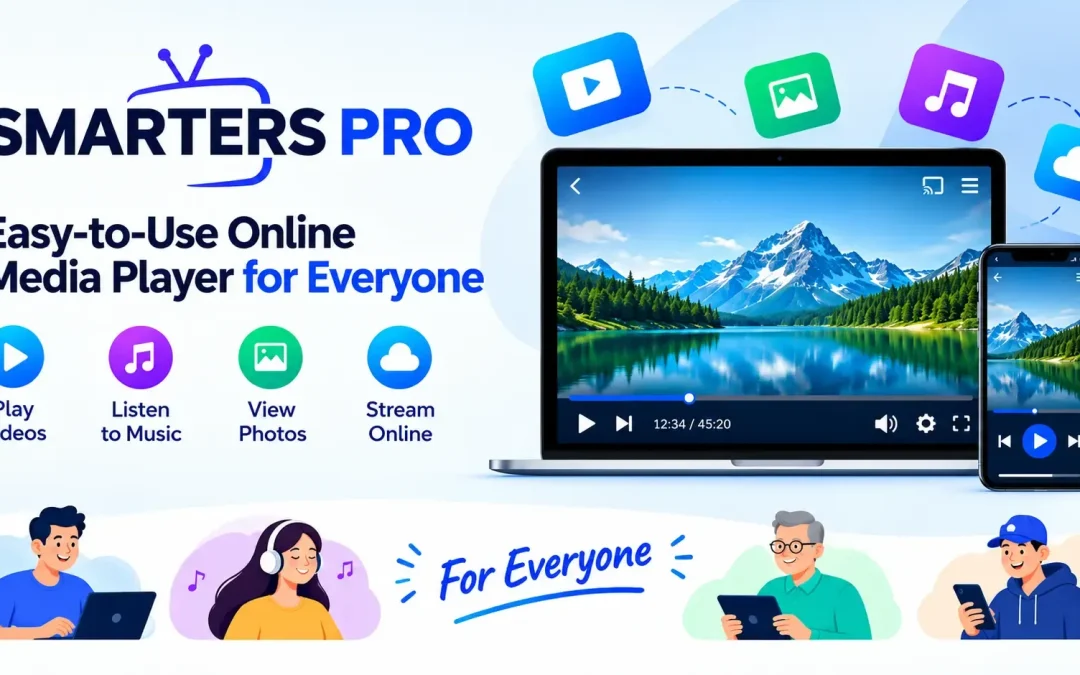
Modern digital entertainment has become more flexible, with users accessing personally owned movies, series, music, and other digital media across different devices. With so many file types, playlists, and sources available, having a simple way to organize and play content can make the overall experience much easier.
An Online Media Player can provide a convenient environment for accessing compatible media without making the process unnecessarily complicated. A clean interface, straightforward navigation, playlist support, and useful playback features can help users manage their personal media collection more efficiently.
Designed for Convenient Media Access
A good media player should be easy to understand, regardless of the user’s technical experience. Instead of requiring complicated configurations, it should provide practical tools that make everyday media management straightforward.
The platform focuses on simplicity while supporting useful functionality for different types of users. Whether someone wants to organize playlists, access stored media, or manage content from supported remote sources, the experience can remain organized and accessible.
Key Benefits
- Simple and intuitive navigation
- Support for multiple playlist formats
- Easy access to personal digital media
- Flexible content organization
- Compatibility with supported devices
- Convenient playback controls
- Options for customizing the viewing experience
- Support for locally stored and remote media sources
Support for Popular Playlist Formats
One important aspect of a modern media player is its ability to work with commonly used playlist formats. M3U and JSON playlists can help users organize information about their personal media sources in a structured way.
With suitable playlist support, users can manage different collections without manually handling every media file individually. This can make it easier to arrange movies, series, music, and other compatible content according to personal preferences.
Clean and User-Friendly Interface
A complicated interface can make even basic media management frustrating. A well-organized design can make navigation more natural by placing important features where users can find them quickly.
The interface is designed around practical usability, helping users move between playlists, media categories, and playback options with less effort. Clear menus and organized sections can also make the platform easier to understand for people who are not highly experienced with digital media applications.
Helpful Navigation Features
Users can benefit from features such as:
- Organized content sections
- Search functionality
- Favorites for frequently accessed items
- Continue-watching support
- Sorting and filtering options
- Customizable interface preferences
- Easy playlist management
These features can reduce the time required to locate specific content and create a more comfortable media management experience.
Flexible Playback Experience
Different users have different preferences when consuming digital content. Some may prefer subtitles, while others may need alternative audio tracks or external playback options. Providing flexible controls allows users to configure playback according to their requirements.
Support for multiple audio tracks and subtitles can be particularly useful when personal media contains different language options. External player compatibility can also provide additional flexibility for users who prefer other playback environments.
Access Across Supported Devices
People increasingly use more than one device for digital media. A flexible application can therefore provide greater convenience when it works across a broad range of supported platforms.
Depending on compatibility, users may access their personal content through devices such as:
- Android smartphones and tablets
- Android-based media devices
- iPhone and iPad
- Windows computers
- macOS systems
- Compatible Smart displays and devices
- Supported web browsers
Cross-platform support allows users to maintain a familiar media experience while switching between compatible devices.
Useful Features for Everyday Users
The goal of a practical media application is not simply to play content. It should also make organization and discovery easier. Features such as favorites, search, sorting, playlist management, and customizable themes can improve everyday usability.
For users with larger personal collections, these tools can make a noticeable difference. Instead of searching through individual files or navigating complicated menus, users can arrange content into a structure that suits their preferences.
A Practical Solution for Personal Media
Personal media collections can contain a wide variety of content, including movies, series, music, and other digital files. Managing these collections becomes easier when users have access to an organized application that supports different sources and playlist formats.
Smarters Pro provides a straightforward approach to personal media organization and playback, combining an intuitive interface with practical features designed for everyday use. Its focus on usability makes it suitable for users looking for a simple way to access and manage compatible digital content.
Making Media Management Easier
An effective Online Media Player should balance simplicity with useful functionality. Users should not need extensive technical knowledge to organize playlists, find content, adjust playback settings, or move between supported devices.
With features focused on accessibility, organization, and flexible playback, a modern media application can help create a smoother digital media experience. The combination of playlist support, intuitive navigation, personalization options, and broad device compatibility makes everyday content management more convenient.
Final Thoughts
Digital media is becoming increasingly diverse, and users need practical tools to keep their personal collections organized. A well-designed player can simplify the process by bringing playlist management, playback controls, search tools, and personalization features into one convenient environment.
For anyone looking for an accessible way to manage compatible personal media, Smarters Pro offers a user-focused experience built around simplicity, flexibility, and convenient content organization.
Trackbacks/Pingbacks