
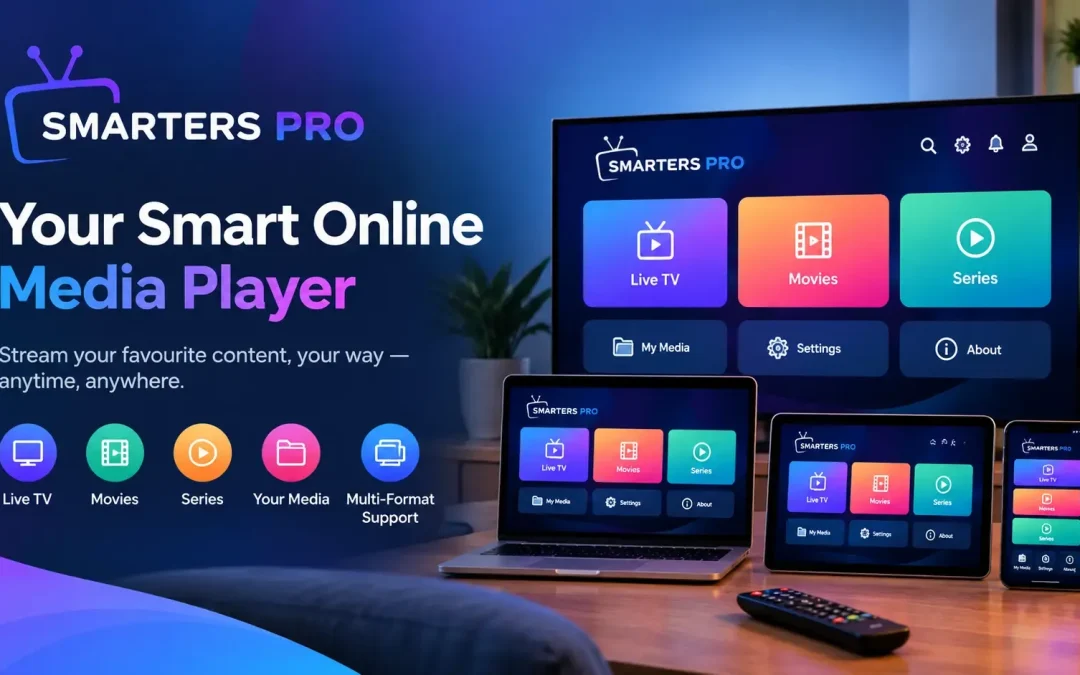
Digital entertainment has become an essential part of everyday life, and having a convenient way to organize and enjoy personal media can make a significant difference. Smarters Pro offers a practical approach to media playback, helping users manage their digital collections through a straightforward and user-friendly interface. Whether you enjoy movies, series, music, or other compatible media files, choosing the right playback solution can make your entertainment experience more organized and enjoyable.
Discover a Smarter Way to Enjoy Digital Media
A reliable media application should make accessing and managing content simple. From organizing playlists to navigating different media categories, a well-designed platform helps reduce unnecessary steps and keeps everything easy to find.
It is designed to provide a convenient playback environment for compatible devices and supported media formats. Its accessible interface and practical features make it suitable for users who prefer a straightforward approach to personal entertainment.
Simple and User-Friendly Interface
An intuitive interface is an important part of any modern media application. Clear menus, organized categories, and accessible playback controls allow users to navigate their media collections without unnecessary complexity.
Key interface benefits include:
- Easy navigation between available media categories.
- Organized playlist access for supported formats.
- Convenient playback controls.
- A straightforward layout for everyday use.
- A user experience designed around accessibility and simplicity.
These features help users spend less time navigating menus and more time enjoying their preferred content.
Essential Features for Everyday Media Playback
The right playback solution should combine convenience, compatibility, and practical functionality. Modern users often maintain different types of digital media, making flexible organization and reliable playback especially valuable.
M3U and JSON Playlist Support
Playlist compatibility can simplify the way users organize and access their media collections. Support for M3U and JSON playlists enables compatible entries to be arranged in a structured format, depending on the playlist configuration and application capabilities.
This functionality can help users:
- Import supported playlists from compatible sources.
- Keep media entries organized.
- Navigate available content more efficiently.
- Manage personal media collections in a structured way.
Users should ensure that their playlists and media sources are authorized and compatible with the application.
Convenient Playback Controls
Playback controls are central to a smooth entertainment experience. Features such as play, pause, seeking, and other supported controls allow users to manage their viewing or listening sessions according to their preferences.
A well-organized playback interface can make everyday entertainment more comfortable, whether users are watching a movie, following a series, or listening to music.
Enjoy Different Types of Digital Content
Personal media collections often include several formats and categories. A flexible media application can help bring supported content into one convenient environment.
Movies and Series
Movies and episodic content remain popular choices for home entertainment. With compatible media sources and properly configured playlists, users can organize their available selections and navigate between different titles more easily.
Helpful organization options may include:
- Grouping content by category.
- Arranging titles for easier browsing.
- Accessing available descriptions and artwork when supported.
- Using playback controls to manage individual sessions.
Music and Personal Media Libraries
Music collections and other digital files can also benefit from organized access. Depending on device compatibility and supported formats, users may be able to browse available audio files and manage their playback through a familiar interface.
Keeping digital collections organized can make discovering and accessing preferred content more convenient.
Compatibility and Performance Considerations
A good media experience depends on more than the application itself. Device capabilities, network stability, playlist quality, and media formats can all affect playback performance.
Before getting started, consider the following points:
- Check device compatibility: Confirm that your device supports the application.
- Verify media formats: Ensure your files and playlists use supported formats.
- Maintain a stable connection: A reliable internet connection may be necessary for remote media sources.
- Keep software updated: Install compatible updates when available.
- Organize your playlists: Remove outdated entries and verify source information when needed.
Taking these simple steps can help improve usability and reduce common playback issues.
Why Choose a Modern Media Playback Solution?
A well-designed media application can simplify digital entertainment by bringing useful controls and organizational features into one place. Instead of navigating several disconnected tools, users can benefit from a more structured way to access compatible media.
The main advantages include:
- Convenient access to supported media sources.
- Better organization of personal collections.
- Straightforward navigation and playback management.
- Flexible playlist handling.
- A more consistent experience across compatible devices.
The exact features available may vary depending on the application version, device, and media source.
Getting Started with Smarters Pro
Getting started typically involves installing the appropriate application version, checking device compatibility, and configuring an authorized media source or supported playlist. Users should follow the official setup instructions and confirm that their content sources meet applicable licensing requirements.
Once configuration is complete, exploring the available categories and playback settings can help users personalize their experience.
Conclusion
Choosing a suitable Online Media Player can make digital entertainment easier to organize, access, and enjoy. With playlist support, convenient controls, and an accessible interface, It provides a practical option for managing compatible personal media collections.
By checking device compatibility, using authorized content sources, and keeping playlists organized, users can create a more convenient and enjoyable media experience tailored to their everyday preferences.