
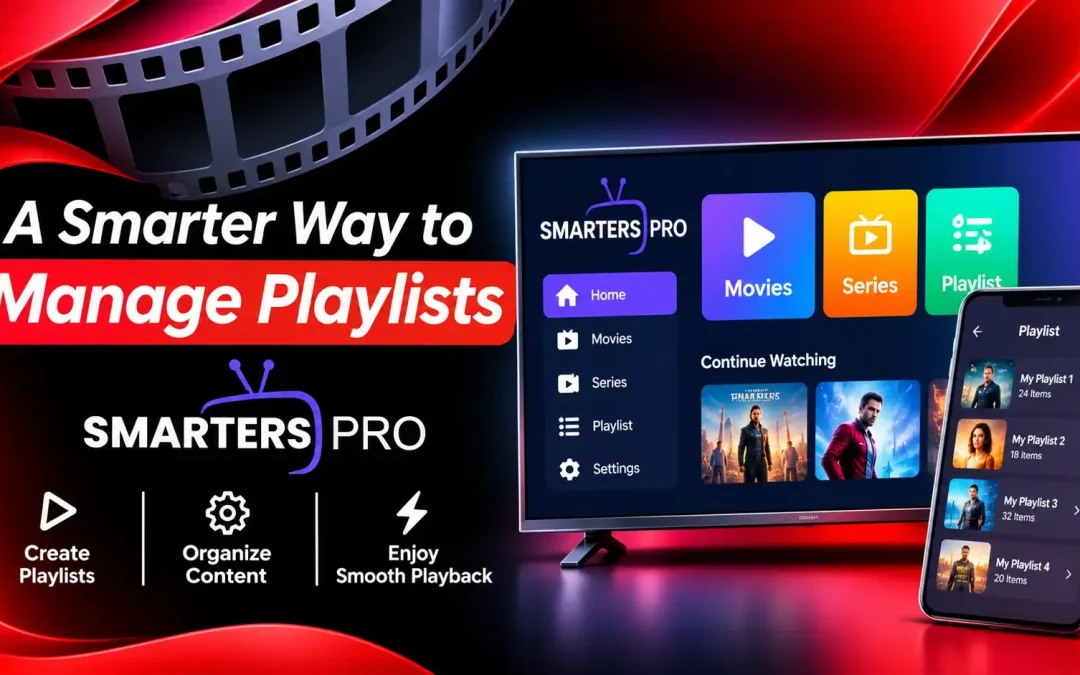
Managing digital entertainment has become more complex as users access content from different sources, devices, and platforms. Instead of switching between multiple apps or dealing with an unorganized content library, having a reliable way to manage playlists can make the entire viewing experience much simpler.
This is where Smarters Pro stands out as a convenient media player designed to give users better control over their playlists and content. With support for popular playlist formats, multiple playlists, personalized settings, and a user-friendly interface, it brings everything together in one organized space.
What Makes Playlist Management Important?
A playlist is more than just a collection of channels, movies, or series. As the amount of content grows, finding the right option quickly can become difficult without proper organization.
A good playlist management system helps users:
- Keep different content sources organized
- Switch between playlists more easily
- Find preferred content quickly
- Create a more personalized viewing experience
- Reduce the need to repeatedly search for the same content
Instead of treating every piece of content separately, an efficient media player can bring everything into one convenient interface.
Support for Multiple Playlists
One of the major benefits of using this program is the capability of working with several playlists. Individuals that have several content sources do not always have to use different applications for each of those content sources.
Several playlists may be used simultaneously, which means that switching from one library to another will be simpler. This can be especially true for individuals that have different playlists for different types of content or for different providers.
Such a function may be considered to be very convenient for people that like variety rather than just one content source.
Flexible Playlist Formats
Compatibility is another important part of playlist management. The platform supports formats such as M3U and JSON, allowing users to access compatible content from their respective sources.
This flexibility means users can work with different playlist structures without constantly searching for another application that supports their preferred format.
The goal is simple: your content should be easy to access without making the setup process unnecessarily complicated.
A Cleaner Way to Browse Content
Consider how easy it would be if you could just open your media library and instantly find what you want without having to browse through hundreds of different choices. The difference a good interface design makes can sometimes be huge.
Features like favorites will ensure that your most favorite and frequently viewed media is easily accessible to you. You won’t have to go on browsing through your large media library anymore.
This is all the more important when your playlists contain a lot of media to start with.
Manage Your Experience Across Devices
Modern viewers rarely use only one screen. They may watch content on a smartphone during the day, use a computer while working, or switch to a television for a larger-screen experience.
The platform is designed to work across several supported environments, including Android, iOS, Apple TV, Windows, macOS, and compatible Smart TVs.
This cross-platform approach gives users more flexibility. Your preferred viewing setup does not have to remain limited to a single device.
Personalization Makes Navigation Easier
Everyone has different viewing habits. Some users prefer specific categories, while others frequently return to a small selection of favourites.
Personalization features help make the interface more relevant to individual preferences. Parental controls also provide an additional way to manage content accessibility based on specific requirements.
Instead of offering a one-size-fits-all experience, the platform gives users more control over how they interact with their content library.
Why Choose Smarters Pro for Playlist Management?
The biggest advantage is convenience. Playlist management should not feel like a technical task every time you want to watch something.
With multiple playlist support, flexible format compatibility, favourites, personalization options, and support across different devices, OTT player brings the key elements of content organization into one place.
It is also important to understand that the application itself does not provide or sell media content or subscriptions. Users are responsible for adding and accessing content they are legally authorized to use.
Final Thoughts
A well-structured content library will revolutionize your experience with digital entertainment, making it easy for you to use a specific media player rather than wasting time searching and using applications.
Users seeking a convenient way to manage their compatible playlists, favorite programs, handle several sources, and have fun on devices that support it should definitely try OTT player.
It’s clear that the more convenient the process of managing playlists is, the easier the entire process of viewing them becomes.