
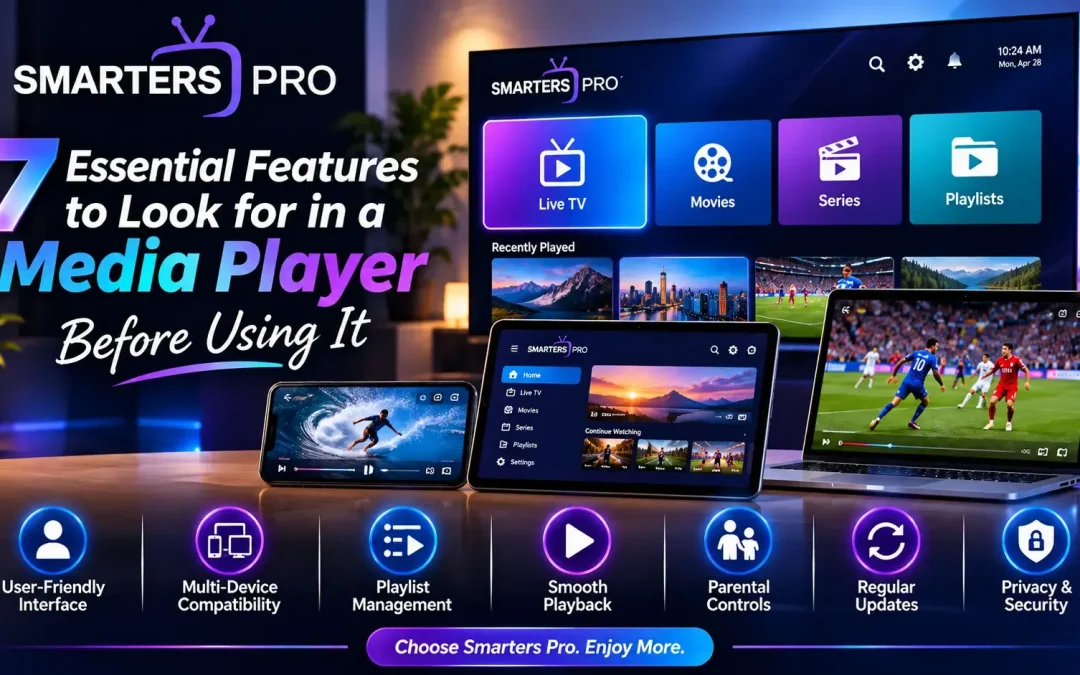
Choosing a media player might seem like a simple decision. You download an application, open it, add your media, and start watching. But after using a few different players, you quickly realise that not all applications offer the same experience.
Some are difficult to navigate, others have limited device compatibility, and a few lack the basic features that make everyday media playback convenient. So, what should you actually look for before choosing a media player?
Whether you enjoy watching videos on your smartphone, managing personal playlists, or playing media on a Smart TV, choosing the right application can make a noticeable difference. Let’s explore seven important features worth checking before installing your next media player.
1. A Simple and User-Friendly Interface
The first thing you notice when opening a media player is its design.A complicated interface can make even basic tasks frustrating. Nobody wants to spend several minutes searching for settings or figuring out how to access their playlists.A good media player should offer:
- Clear and organised menus.
- Easy-to-understand navigation.
- Well-arranged content categories.
- Accessible playback controls.
- A clean and modern appearance.
2. Compatibility with Multiple Devices
Think about how often you switch between devices throughout the day. You might use your smartphone while travelling, a laptop while working, and a Smart TV when relaxing at home.That’s why device compatibility is an important factor.
Before choosing a media player, check whether it supports the platforms you regularly use.Some commonly supported platforms include:
- Android smartphones and tablets
- iPhones and iPads
- Android TV devices
- Compatible Samsung and LG Smart TVs
- Windows computers
- Mac devices
- Supported web browsers
Not every application works on every platform, so always check its official compatibility information before downloading.
3. Multiple Playlist Support
If you regularly use different personal media sources, playlist management becomes particularly important.A useful media player should make it easy to add, organise, and access compatible playlists without making the process unnecessarily complicated.Look for features such as:
- Adding multiple playlists.
- Editing playlist information.
- Removing outdated playlists.
- Organising available content.
- Supporting compatible playlist formats.
Some media players support formats such as M3U and other playlist types. However, compatibility can vary between applications and versions.
4. Smooth and Reliable Media Playback
Let’s be honest: nobody enjoys watching a video that constantly stops or takes too long to load.Playback quality is one of the most important things to consider when selecting a media player.A good application should provide useful playback controls and support compatible video formats.
However, playback performance doesn’t depend entirely on the application. Your internet connection, device performance, media format, and content source can also affect the experience.Before choosing a player, check whether it offers the playback options you need.
5. Useful Parental Control Options
If several family members use the same device, parental controls can be a valuable addition.These settings can help parents manage access to certain sections or categories, depending on the application’s capabilities.When comparing media players, check for:
- PIN-based access restrictions.
- Category restrictions.
- Password-protected settings.
- Easy parental control management.
Not every application offers the same level of control, so review the available options before making a decision.
6. Regular Updates and Application Support
Technology changes quickly. Operating systems receive updates, devices introduce new features, and media formats continue to evolve.An application that receives regular maintenance is generally a better choice than one that appears to have been abandoned.Before installing a media player, consider checking:
- Its latest available version.
- Compatibility with current operating systems.
- Update history.
- Official installation instructions.
- Availability of customer support or documentation.
These small checks can help you avoid unnecessary installation and compatibility problems later.
7. Privacy, Security and Trusted Downloads
This is one feature people sometimes overlook when downloading applications.A media player may require certain permissions to perform its functions, but that doesn’t mean you should automatically approve every request.Before installation, take a moment to check:
- Whether you are downloading from an official source.
- What permissions the application requests.
- Whether its privacy policy is available.
- How your account or playlist information is handled.
- Whether the application receives security updates.
Avoid downloading modified or unofficial application files from unknown websites. Protecting your device and personal information should always come first.
Why Smarters Pro Is Worth Exploring
After considering these seven features, you may want to explore a media player that focuses on convenience and multi-device accessibility. Smarters Pro is designed to help users access and manage their compatible media through a straightforward interface.
Its multi-platform approach makes it worth exploring for people who prefer using different devices.You can visit the official website to learn more about available versions, compatibility, and features.
Remember that Smarters Pro is a media player application. It does not provide, host, sell, or distribute TV channels, movies, subscriptions, or other media content. Users must provide their own compatible playlists or authorised media sources.
Final Thoughts
Finding the right media player isn’t just about choosing an application with an attractive design. It’s about finding something that works comfortably with your devices, supports your preferred media formats, and offers the features you actually need.
A user-friendly interface, multi-device compatibility, playlist management, reliable playback, parental controls, regular updates, and privacy protection are seven important things worth considering.
Take a little time to compare your options before installing an application. The right choice can make managing and enjoying your personal media much more convenient.
Frequently Asked Questions (FAQs)
1. What is the most important feature of a media player?
A user-friendly interface and reliable playback are two of the most important features. However, the best choice depends on your device and personal requirements.
2. Should I choose a media player that supports multiple devices?
If you regularly switch between smartphones, computers, and televisions, multi-device compatibility can make media access more convenient.
3. What is an M3U playlist?
An M3U playlist is a file or link format used to organise references to audio and video streams. Compatible media players can use it to access supported media sources.
4. Does every media player support multiple playlists?
No. Playlist management capabilities vary between applications. Check the feature list before installing a player.
5. Can a media player improve buffering problems?
A media player may offer playback settings that help with certain issues, but buffering can also result from slow internet speeds, device limitations, or problems with the media source.
6. Is Smarters Pro a media player or a content provider?
Smarters Pro is a media player application. It does not provide streaming subscriptions or media content. Users need their own compatible and authorised content sources.
7. Where can I find Smarters Pro?
You can visit https://smarterspro.com to explore the application, available versions, and installation information.