
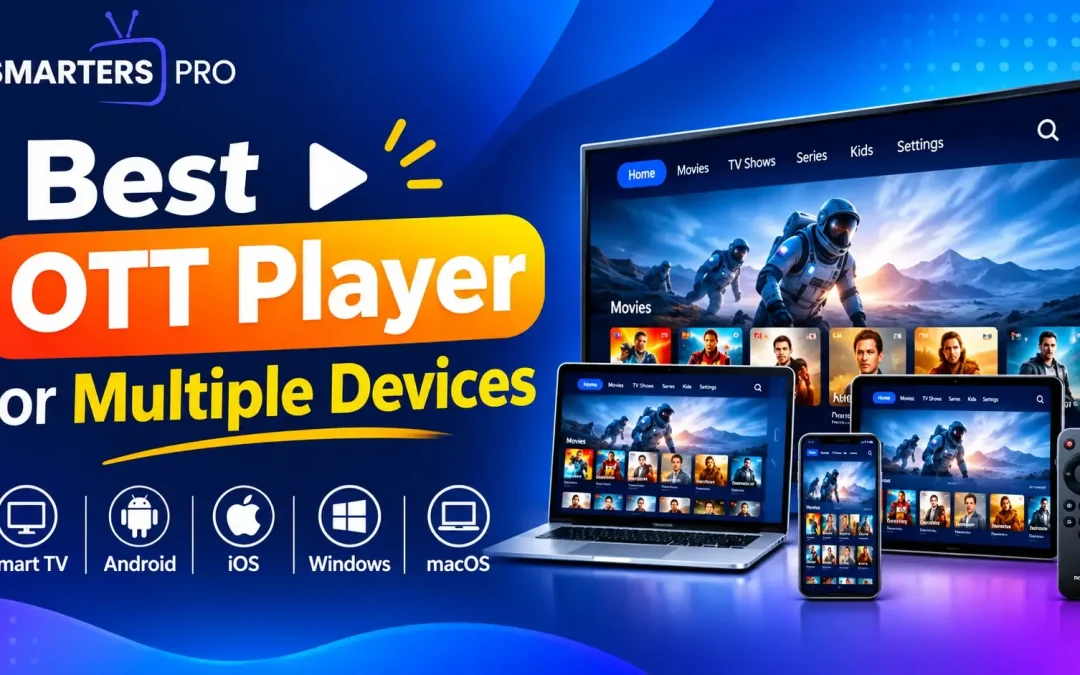
Digital content has become a regular part of everyday entertainment, and having the right media player can make a big difference to your viewing experience. A good streaming application should make it easy to access your content, offer smooth playback, support different formats, and work seamlessly across the devices you use every day.
But with so many streaming applications available today, how do you know which one is right for you?
The answer depends on several factors, including the devices you use, your content requirements, the features you need, and the overall viewing experience you expect. Before choosing an OTT player, it is worth looking at a few key features that can help you make the right decision.
1. Check Device Compatibility
The first thing to consider is whether the media player works with your preferred devices.
Many users watch content on more than one screen. You may use a smartphone while travelling, a laptop during the day, and a Smart TV at home. Choosing a platform with broad device compatibility means you don’t have to rely on different applications for every device.
Look for a media player that supports platforms such as:
- Android smartphones and tablets
- iPhone and iPad
- Android-based streaming devices
- Smart TV platforms
- Fire TV and other compatible streaming devices
- Windows and Mac systems
Multi-device support gives you more flexibility and makes switching between screens much easier.
2. Look for a Simple and Modern Interface
The convenience of use is very important for an efficient streaming app.
It needs to be easy to browse through your playlists, search for content, customize settings, and view movies. Poorly designed menus and out-of-date layouts make simple tasks more complicated than they need to be. When selecting a media player, it is crucial to consider its ease of navigation, which is particularly relevant if you use the application on a Smart TV.
3. Consider Playlist and Format Support
Different content providers may use different formats and playlist types. Therefore, format compatibility is another important factor.
A reliable media player should support commonly used playlist formats and make importing or managing content straightforward.
Features such as M3U and JSON compatibility can provide greater flexibility for users who manage different content sources. Before selecting an application, check whether it supports the formats you regularly use.
4. Check Playback Performance
No one likes having to wait due to buffering or any other form of interruptions while enjoying their favorite entertainment.
The performance of a streaming application will depend on several factors, such as your internet connection, the capability of the device you are using, the source of the content, and the application itself. Although it may not be possible for the software to solve internet problems, good applications will generally offer a better experience to users.
Make sure the application you choose has responsive controls, easy navigation, and good playback.
5. Look for Multi-Playlist Support
If you use multiple playlists, managing them from one application can save time.
Instead of switching between different apps, a platform with multi-playlist support can help you keep your content sources organized in one place.
This can be especially useful for users who regularly manage different types of content or use multiple playlists across their devices.
6. Consider Parental Controls
For households where multiple family members use the same device, parental controls can be a useful feature.
They can help users manage access to certain content and create a more controlled viewing environment. When choosing a streaming application for family use, check whether it offers suitable privacy and content-management options.
This feature can add an extra layer of control without making the overall application difficult to use.
7. Think About Cross-Device Convenience
One of the biggest advantages of choosing a versatile media player is convenience.
You shouldn’t have to completely change your viewing preferences when switching devices. Whether you watch content on your mobile phone during your commute or use another large screen at home, having a platform that supports multiple devices can provide a more consistent experience.
Before making a choice, think about the devices you use now and the ones you may use in the future.
8. Choose a Player That Fits Your Needs
The best streaming application isn’t necessarily the one with the longest list of features. It is the one that fits your actual requirements.
For example, if you mainly watch content on a Smart TV, easy navigation and platform compatibility may be your priorities. If you use multiple devices, cross-platform support may matter more. If you manage several playlists, playlist support could be one of the most important features.
Take some time to identify what you actually need before choosing an application.
Why Smarters Pro Can Be a Practical Choice
An efficient media player should provide a comfortable viewing experience across supported platforms. A user-friendly interface combined with useful features can make content management and playback much simpler.
It supports multiple playlists, M3U and JSON compatibility, multi-device functionality, parental controls, and easy navigation. These features make it a practical choice for users looking for flexibility across different screens.
Whether you use smartphones, tablets, Smart TVs, or other supported devices, having one versatile application can simplify the way you access and manage your content.
Conclusion
Your media player plays an important role in how you experience digital content. The right choice should feel simple to use, fit naturally into your daily viewing routine, and give you the flexibility to enjoy content on the devices you prefer.
Instead of choosing an application based only on popularity, focus on the overall experience it offers. A reliable interface, flexible content support, and useful everyday features can make a noticeable difference over time.
Smarters Pro brings these elements together in one convenient media player, giving users a practical way to enjoy and manage their content across supported devices.
Trackbacks/Pingbacks