
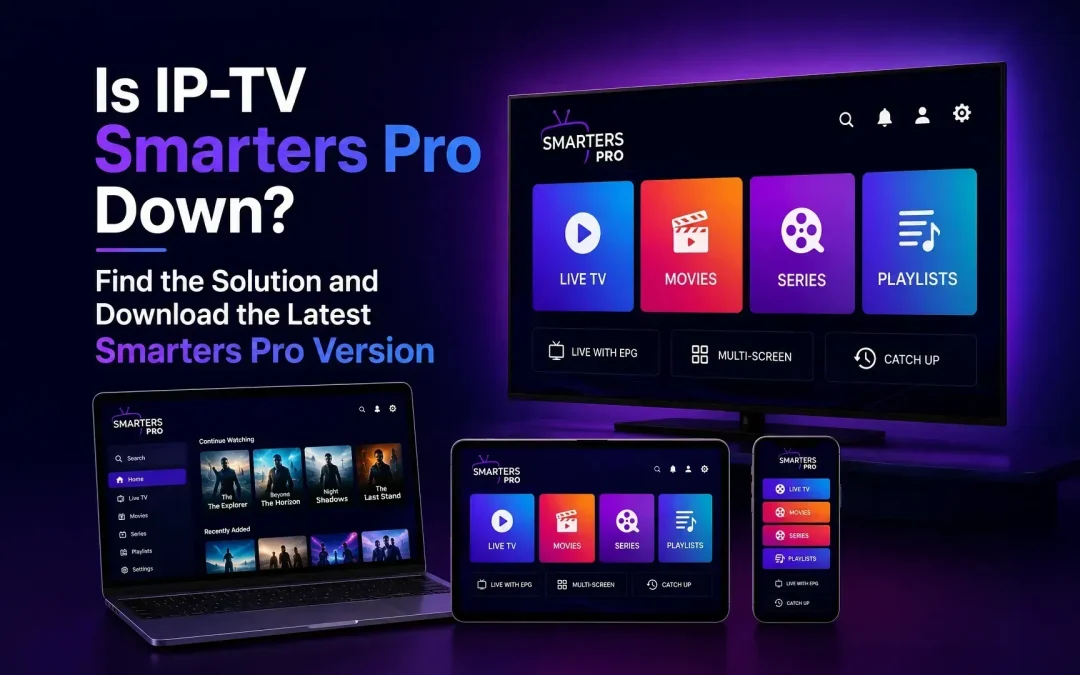
Have you opened IPTV Smarters Pro and found that it is not responding, taking too long to load, or suddenly experiencing playback problems?You’re not alone. A media player can occasionally become difficult to use because of an outdated app version, device compatibility, temporary application issues, or changes affecting the content source.
Instead of spending too much time trying to troubleshoot an older version, upgrading to the latest Smarters Pro version can be a simple way to get back to a smoother and more updated media-player experience.
Is IPTV Smarters Not Responding?
When an application stops responding, it doesn’t always mean that the entire service is down.The problem could be related to the version installed on your device, an operating-system update, temporary app data, network connectivity, or the particular playlist you are trying to access.For that reason, the first question should be:
Are you using the latest available version of Smarters Pro?
Keeping an application updated can provide access to the latest available improvements, compatibility updates, bug fixes, and playback enhancements.The current Google Play listing for Smarters Pro shows an August 3, 2026 update and describes the application as a media player available across multiple platforms.
Why Should You Download the Latest Smarters Pro Version?
If your existing version is no longer responding properly, moving to the latest version may be worth considering.Newer application versions are generally released to improve the overall experience and address issues identified in previous builds.The current Smarters Pro listing highlights support for M3U and JSON playlists, multiple platforms, and playback of personally owned media from local and remote sources. Depending on the platform and version, updates may include improvements related to:
- App stability
- Playback performance
- Device compatibility
- Bug fixes
- Media-player functionality
- Playlist handling
- Overall usability
What Can Cause Smarters Pro to Stop Responding?
There isn’t always one specific reason.
An Older Version
One of the simplest possibilities is that you are using an older build.As operating systems and devices change, older applications can sometimes experience compatibility problems. Updating to a newer version can therefore be a sensible first step.
Device Compatibility
Smart TVs, smartphones, tablets, computers, and other devices don’t all work in exactly the same way.An application may behave differently depending on the device model, operating system, available resources, and application version.
Temporary Application Issues
Sometimes an application may become unresponsive because of temporary data or a short-term software issue.Restarting the application or device can help. If the problem continues, installing the latest available version is another option.
Network Problems
A slow or unstable internet connection can make an application appear unresponsive, particularly when loading playlists or starting media playback.Try opening another website or streaming application on the same device. If everything is experiencing problems, your network connection may be the cause rather than Smarters Pro itself.
Playlist or Content-Source Issues
Smarters Pro is a media player, not a content provider.If the application opens normally but a particular playlist does not load, the issue may be related to the playlist or its authorized source rather than the player.The current app listing states that users can play their personally owned media through local and remote sources.
Download the Latest Smarters Pro Version
If your current IPTV Smarters Pro installation is not responding, upgrading to the latest Smarters Pro version can help you get back to an updated media-player experience.
The current Google Play listing identifies Smarters Pro as a media player and lists support for formats including M3U and JSON playlists. It also describes support for personally owned media from local and remote sources.
When downloading or updating the application, always verify that you are using the correct app listing and developer information. This is particularly important because applications with similar names can appear in search results.
Before You Download
Check:
- The application name
- The developer
- The supported device
- The latest update information
- The official app-store listing
- Whether the version supports your device
This small check can help you avoid downloading an unrelated application with a similar name.
Keep Your Entertainment Experience Moving
Nobody wants an unresponsive media player to interrupt their entertainment.If your current IPTV Smarters Pro version is causing problems, you don’t necessarily need to spend a long time trying different fixes. Start by checking whether a newer version is available.
Download the latest Smarters Pro version, install the appropriate build for your device, and start again with an updated media-player experience.
Smarters Pro is designed to provide a convenient environment for managing and playing compatible media, with support for multiple playlist formats and platforms.The goal is simple: less time dealing with an outdated application and more time enjoying the content you are authorized to access.
Is Smarters Pro a Content Provider?
No. Smarters Pro is a media player.It does not itself provide television channels, subscriptions, or copyrighted content. Users are responsible for adding their own legally acquired or authorized media and playlists.This distinction is important when using any media-player application.
Why Use the Latest Version Instead of an Older Build?
An older version may continue working perfectly for some users, but updating gives you access to the latest available changes.A newer version can potentially offer:
- Better compatibility
- Performance improvements
- Bug fixes
- Updated playback functionality
- Improved stability
- Support for newer device environments
The current Smarters Pro listing demonstrates that the application continues to receive updates, with the latest listed version updated in August 2026.
Final Thoughts
If IPTV Smarters Pro is not responding, don’t immediately assume that the application has permanently stopped working.The issue could be caused by an older app version, device compatibility, network connectivity, temporary application problems, or the playlist or media source you are using.The easiest place to start is by checking whether you are using the latest Smarters Pro version.
If your current installation is outdated or repeatedly causing problems, downloading the latest version can give you a fresh, updated media-player environment and access to the latest available improvements. Download the New version of IPTV Smarters Pro
Frequently Asked Questions
Why is IPTV Smarters Pro not responding?
Possible causes include an outdated application, device compatibility issues, temporary app problems, network instability, or an issue with the playlist or media source.
What should I do if IPTV Smarters Pro stops working?
Restart the application, check your internet connection, restart your device, and check whether a newer Smarters Pro version is available for your device.
Can updating Smarters Pro fix the problem?
If the issue is related to an outdated application or compatibility problem, updating to the latest available version may help.
Where can I download the latest Smarters Pro version?
Use the appropriate official app store or authorized download source for your device and verify the application and developer before installing it.
Does Smarters Pro provide content?
No. Smarters Pro is a media player. Users add their own legally acquired or authorized media and compatible playlists.
Does Smarters Pro support M3U playlists?
Yes. The current Google Play listing identifies M3U and JSON playlist support.
Should I keep using an old Smarters Pro version if it works?
You can, but checking for the latest available version is recommended if you’re experiencing problems or compatibility issues.