
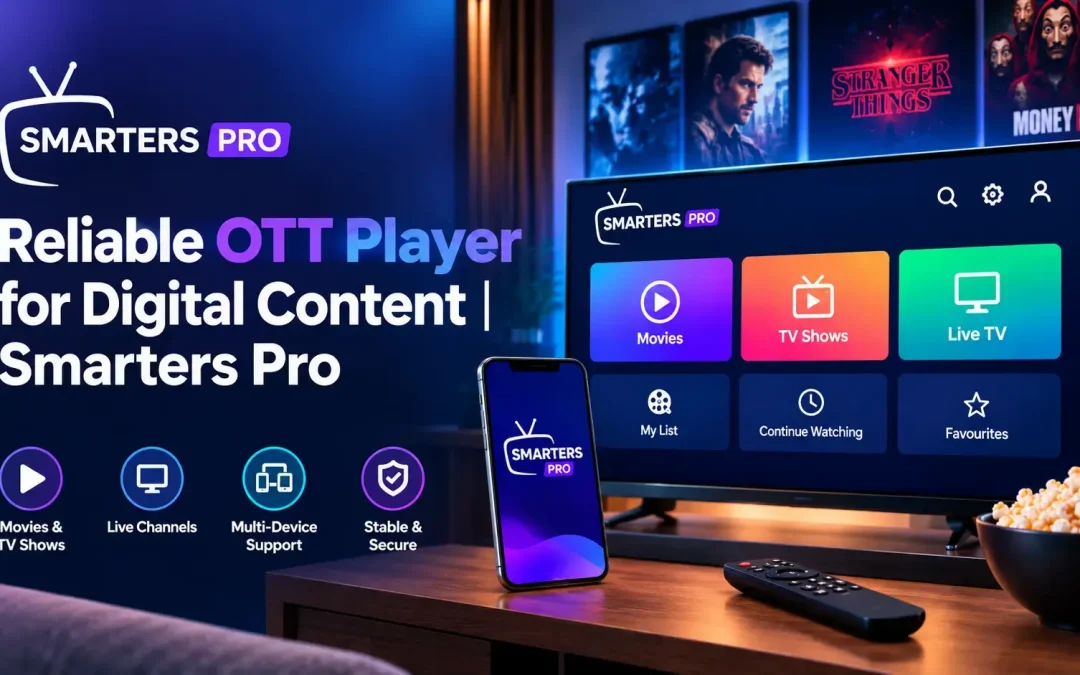
Digital media consumption has become increasingly flexible, with users accessing personal movies, series, music, and other content from different sources and devices. As digital libraries continue to grow, having a practical media application can make it easier to organize playlists, find content, and enjoy smooth playback. A well-designed player can bring these functions together through a simple and convenient interface.
Simplifying Personal Digital Media
Managing a large collection of digital content can sometimes become difficult when files and playlists are spread across multiple locations. An organized media player provides a central interface where users can browse and access personally owned content without unnecessary complexity.
Smarters Pro is designed to provide a straightforward environment for managing and playing personal digital media. Users can organize movies, series, music, and other supported content while using intuitive navigation to locate the items they want to access.
Key capabilities include:
- Organized content browsing
- Playlist management
- Simple navigation
- Search functionality
- Favorites for frequently accessed content
- Subtitle support
- Audio track selection
- External player compatibility
Flexible Playlist Support
Playlist compatibility is an important part of managing digital content. Different users may organize their media collections in different ways, so supporting commonly used playlist formats can provide greater flexibility.
The application supports M3U and JSON playlists, allowing users to connect supported content from local storage or remote sources. This provides a convenient way to organize content without requiring users to maintain separate interfaces for different playlist formats.
Playlist support can help users:
- Import supported media lists
- Organize content into categories
- Access remote sources
- Manage personal media collections
- Locate specific content more efficiently
Easy Content Navigation
A large media library can be challenging to browse without effective navigation tools. Clear menus, organized categories, and search functions can help users find specific content more quickly.
A straightforward interface can make everyday tasks easier, whether someone is looking for a particular movie, series, music file, or another item within their personal collection.
Useful navigation features may include:
- Search tools for finding content
- Categorized media sections
- Favorites for quick access
- Sorting options
- Continue-watching functionality
- Clear content organization
These features can reduce unnecessary steps and create a more comfortable browsing experience.
Convenient Playback Features
A good media application should provide more than basic content access. Flexible playback controls can help users personalize how they interact with their digital media.
Support for subtitles and multiple audio tracks can be particularly useful for content that includes different language options. External player support can also give users additional flexibility when choosing their preferred playback environment.
Playback-related functionality can include:
- Subtitle selection
- Multiple audio track support
- External player integration
- Playback controls
- Resume and continue-watching options
- Flexible content access
Supporting Multiple Devices
Users may maintain digital content across several compatible platforms. Broad device support can make it easier to maintain a consistent media experience when moving between supported devices.
Compatibility can extend across supported Android devices, iOS devices through the appropriate player applications, computers, browsers, and selected streaming platforms. This gives users more flexibility when accessing their personally owned content.
A multi-device approach can be particularly useful for people who use different devices for different situations, such as personal computers for browsing and mobile devices for convenient access.
Personal Media Organization
Digital libraries often contain a combination of movies, series, music, and other personal media. Keeping these resources organized can make them easier to discover and manage.
An effective media application can help users create a structured experience by combining playlist support, search, favorites, categories, and sorting tools. Instead of navigating through multiple disconnected applications, users can work with their supported content from one familiar interface.
Benefits of organized media management include:
- Faster content discovery
- Easier playlist handling
- Better library organization
- Convenient access to frequently used items
- A cleaner overall interface
User-Friendly Design
Complex interfaces can make digital media management unnecessarily difficult. A clean design with clearly arranged menus and intuitive controls can help users understand the available features without a steep learning curve.
Simplicity is especially valuable when users regularly switch between content categories or manage multiple playlists. Straightforward navigation allows important functions to remain accessible without overwhelming the interface.
A Practical Approach to Digital Playback
An OTT Player can serve as a useful tool for users who want to organize and play personally owned digital media from supported sources. Its value comes from combining playlist compatibility, navigation, content organization, and playback functionality within a single application.
When selecting a media player, users should consider factors such as supported formats, device compatibility, interface design, playlist management, playback options, and the ability to work with their existing content sources.
Conclusion
A reliable media application can make personal digital content easier to organize, browse, and play. Features such as M3U and JSON playlist support, search, favorites, subtitles, audio tracks, external player compatibility, and multi-device support can provide greater flexibility for everyday media management.
By bringing these functions together in an intuitive environment, users can maintain a more organized approach to their personal digital libraries while enjoying convenient access across supported platforms.