
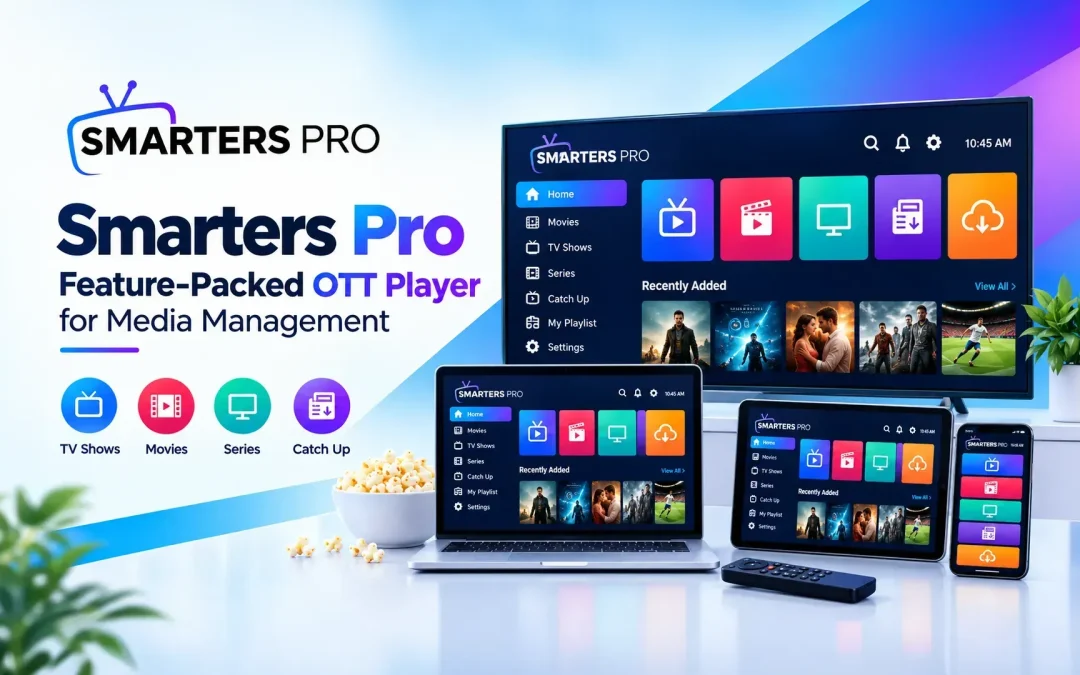
Smarters Pro is a flexible media solution designed to make digital content management simpler, more organized, and convenient. As personal media libraries continue to expand, users need practical software that can handle different playlists, content sources, and playback preferences without creating unnecessary complexity. A feature-rich OTT Player can bring these functions together through an intuitive interface and dependable performance.
Simplifying Digital Media Management
Managing a growing collection of movies, series, music, and other personally owned digital files can become challenging when content is stored across different locations. A centralized media application can make browsing, organizing, and accessing these collections much easier.
A practical media solution can help users:
- Organize personal digital content
- Manage multiple playlists efficiently
- Access media from local and remote sources
- Browse different content categories
- Search for specific files quickly
- Customize playback preferences
- Maintain a more structured media library
These capabilities reduce unnecessary steps and provide a smoother approach to everyday media management.
Flexible Playlist Support
Playlist compatibility is an important consideration when choosing media software. Different users may rely on different playlist formats depending on their content sources and personal preferences.
Support for M3U and JSON playlist formats provides greater flexibility when adding and organizing personally owned media. Users can work with compatible sources while keeping their content structured and accessible within one application.
Benefits of Organized Playlists
A well-managed playlist system can make digital content easier to handle by providing:
- Faster access to preferred content
- Better organization of media categories
- Convenient management of multiple sources
- Simple navigation through larger collections
- Greater flexibility for different content arrangements
Instead of manually searching through separate files and locations, users can organize compatible media into a more convenient structure.
Clean and User-Friendly Interface
An intuitive interface plays an important role in creating a positive media experience. Complicated menus and unnecessary settings can make basic tasks difficult, particularly when users simply want to locate and play their preferred content.
A clean design helps users navigate categories, playlists, and media libraries with greater ease. Search and sorting tools can further improve accessibility, especially when working with extensive collections.
Useful Management Features
Depending on the supported configuration, users can benefit from features such as:
- Search and sorting options
- Favorites for frequently accessed content
- Continue-watching functionality
- Customizable interface themes
- Subtitle selection
- Audio-track selection
- External player integration
- Playlist organization tools
Together, these features provide greater control over how personal digital media is accessed and managed.
Broad Platform Compatibility
Modern digital habits often involve using different devices for different situations. A flexible media application should therefore support a broad range of compatible platforms and hardware.
Cross-platform compatibility allows users to access their personal media collections across supported smartphones, tablets, computers, and other compatible devices. This flexibility can help maintain a familiar experience without requiring users to completely reorganize their content for every platform.
Advantages of Multi-Device Access
A versatile media application can help users:
- Access personal content from multiple supported devices
- Maintain organized playlists across platforms
- Use compatible media sources in different environments
- Manage digital collections more conveniently
- Adapt their setup according to individual preferences
This makes media management more flexible for users with varied device requirements.
Performance-Focused Playback
Reliable playback depends on several factors, including the source, file format, device capabilities, and network conditions. Well-designed media software can provide practical playback controls that allow users to adjust their experience according to their available content.
Subtitle and audio-track controls can be especially useful when managing content with multiple language options. External player integration can also provide additional flexibility for users who prefer alternative playback applications.
Creating a More Organized Media Experience
As digital collections become larger, organization becomes increasingly important. Keeping playlists, categories, and compatible sources structured can make it easier to locate content whenever needed.
With flexible playlist support and practical management tools, users can create a media environment that matches their personal requirements. Instead of focusing only on playback, a comprehensive solution can provide tools for browsing, organizing, searching, and customizing content.
Key Features at a Glance
The main advantages include:
- M3U and JSON playlist support
- Local and remote content access
- Flexible playlist organization
- Search and sorting capabilities
- Favorites and continue-watching options
- Subtitle and audio-track controls
- External player support
- Broad compatibility across supported platforms
- Simple and intuitive navigation
- Personalized media management
Conclusion
Effective media management involves more than opening and playing individual files. Users also need convenient ways to organize playlists, access compatible content sources, browse larger collections, and personalize playback according to their preferences.
Smarters Pro combines these practical capabilities into a flexible media environment focused on convenience and organization. As a feature-rich OTT Player, it supports M3U and JSON playlists, local and remote sources, multiple supported platforms, and useful playback and management features. By bringing these functions together, the software can help users maintain a cleaner, simpler, and more convenient digital media experience.