
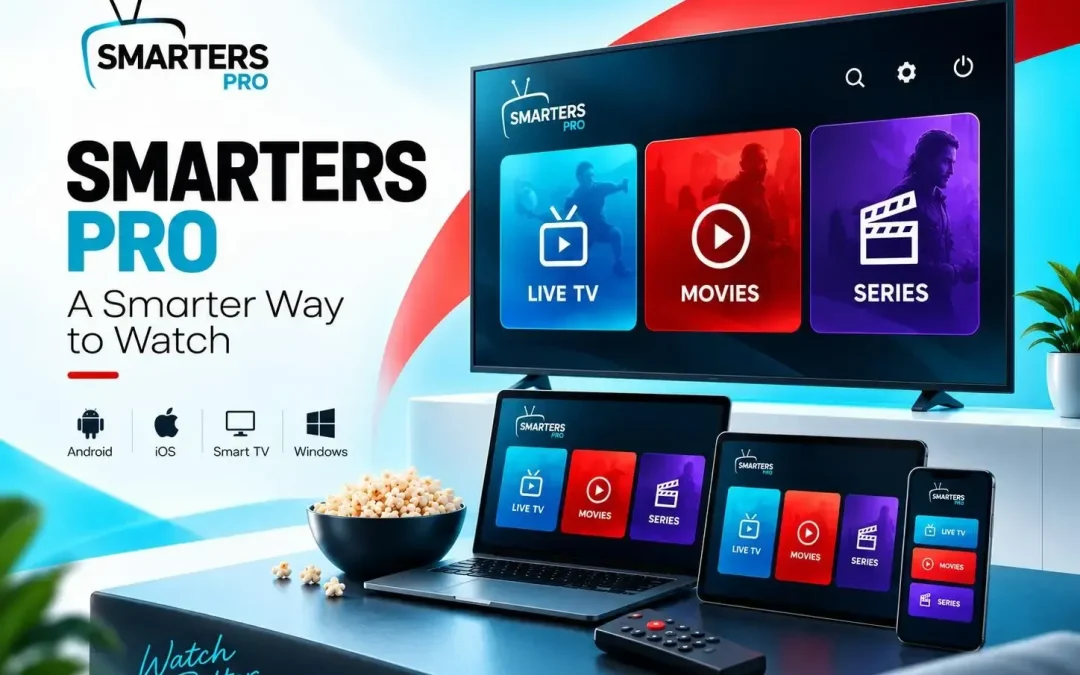
OTT media player is a cross-platform media player designed to give users a convenient way to access and manage their own content. It supports M3U and JSON playlists and is available across several popular platforms, making it suitable for users who want flexibility without being restricted to a single device. Digital entertainment has become more flexible now with phones, computers, and web browsers. With so many devices and content sources available, having a reliable media player that brings everything together can make the overall viewing experience much easier.
A Media Player Built for Multiple Devices
One of the biggest advantages of a Modern media player is the ability to work across different screens. Users may prefer watching on a Smart TV at home, using a smartphone while travelling, or accessing content through a computer.The platform supports a broad range of devices, including:
- Android Phones
- Android TV
- iPhone and iPad
- Apple TV
- Windows
- macOS
- Samsung Smart TVs
- WebTV Player
This multi-platform availability allows users to select the device that best fits their viewing habits. Windows and macOS versions are currently listed as beta versions, while dedicated applications are available for other supported platforms.
Multiple Playlist Support for Greater Flexibility
Playlist support is an important part of any modern media-player experience. Different users may have different content sources, and being able to manage more than one playlist can make content organization much more convenient.
The platform supports M3U and JSON playlists, allowing users to connect compatible content sources and manage their available media from a single player. Multiple playlist support can also make it easier to switch between different sources without having to completely change applications.For users who regularly manage different playlists, this flexibility can save time and create a more organized viewing experience.
Find Content Faster with Master Search
If there is too much content on a playlist, looking for specific content becomes very difficult. The Master Search option helps users locate the specific content by offering them to search for it in movies and series.
The user does not have to navigate through different categories and find his or her desired content; this option is beneficial for users having many playlists and lots of content available in their libraries.This will result in quicker searches and help you enjoy your selected content.
Keep Favorite Content Within Easy Reach
Another useful feature is the ability to add content to favorites. When users find movies, series, or other content they frequently return to, saving them as favorites provides quicker access later.This simple feature can make everyday navigation more personalized. Rather than repeatedly searching for the same content, users can keep preferred selections in one convenient place.
Parental Control for Greater Content Management
Digital entertainment is used by people of different ages, so having greater control over accessible content can be valuable for households.
The parental control feature allows content accessibility to be managed according to age ratings or specific criteria. This gives users an additional way to create a more controlled entertainment environment, particularly when the application is being used by multiple members of a household.
Multi-Screen and Multi-User Support
Modern households often have several people using digital entertainment at the same time. Multi-screen and multi-user support can provide greater flexibility for different viewing requirements.
Instead of treating entertainment as a single-device experience, these capabilities are designed around the way people actually consume digital content today. Whether users are watching independently or managing different screens, flexibility can make the overall experience more convenient.
EPG Support for Easier TV Navigation
A user who is trying to access the programming on the TV can benefit from having an Electronic Program Guide, also called EPG. An EPG gives information about the schedule of the programs that a user can watch.It will be unnecessary for the viewer to randomly search through a long list to know the programming schedule, since he/she can now do so easily with the help of the EPG.
Picture-in-Picture and Chromecast Support
The platform also includes features designed to make viewing more flexible. Picture-in-Picture allows compatible content to continue playing while users perform other tasks on their device.
Chromecast support provides another way to move compatible playback to a larger screen. These features can be especially useful for users who want greater freedom while watching content or switching between devices.
Personalization and Language Options
Everyone does not necessarily require the same type of interface or language experience. Switching between languages adds another level of flexibility for those who would like to use the software in various languages.
The platform also allows the customization of app features for businesses that wish to make the experience more personal with regard to the media-player. The white label feature is aimed at helping businesses develop their own application.
A Focus on Smooth and Convenient Playback
Beyond individual features, the overall goal of a media player is to make content playback simple and convenient. Support for high-quality playback, multiple playlist formats, different devices, search, favorites, parental controls, and other viewing tools can contribute to a more complete entertainment experience.
It is also important to understand that the application itself does not provide, sell, host, or distribute media content or subscriptions. Users access content through their own legally acquired sources and are responsible for ensuring that their use complies with applicable copyright laws.
Conclusion
A good viewing experience in today’s world involves more than just streaming a video. People expect ease of use, quick navigation, personalization options, playlist management, and the ability to select the device that works best for them.
All of these aspects can be found in Smarters Pro in the form of a multi-purpose media-player experience offering features like M3U and JSON playlist management, multiple playlists, favorites, parental controls, EPG, Master Search, Picture-in-Picture, Chromecast support, and much more.
With the constant development of digital entertainment experiences, the importance of convenient and flexible features is becoming increasingly vital. A choice of a media player with the proper set of features will allow one to better organize the content and have a smooth viewing experience.